Forum Replies Created
-
AuthorPosts
-
March 6, 2014 at 9:29 am in reply to: What templates (php) are used for category, tag and author archives? #2683
 satoriKeymaster
Hey Oren,
glad to hear that the taxonomy issue has been resolved! Should you have additional questions, do not hesitate to contact me.
Sincerely,
Andrii / Satori StudiosatoriKeymasterHey Ang,
I cannot seem to be able to reproduce the bug, but please try this for a start: insert the following CSS into “Style: Add Custom CSS” tab of the theme options panel –
@media only screen and (max-width: 767px) and (min-width: 480px) { .mobilemenu .dropdown-menu { height: 64px !important; } }Please let me know if that makes any difference.
Sincerely,
Andrii / Satori StudiosatoriKeymasterHey Yuko,
first of all, thank you for the purchase!
I will cover the questions in the same order:
1). Due to WordPress mechanics, Kanso’s one-page template is based on the following principle: a specific page serves as a “container” for the other pages with make up the one-page sections, just like with the classic WP blog page. At the moment I can guess that you are trying to use the same page as the “container” and as the first section inside that container. Please try this:
– create a new page and call it “Home”, give it any template except “One-Page”.
– tick the page in the “Pages to include into one-page website” setting “One-Page Website” tab of the theme options panel.
– set the page order of the page to the lowest value to bring it on top of other one-page sections.2). In order to import the demo Revolution Slider, please use the green “Import Slider” button in the “Revolution Slider” admin section. You need to choose the “Kanso_demo_frontslider.zip” file found in the “Resources” folder of the theme package as the source when prompted. After that, you’ll need to appoint the slider in the “Revolution Slider” tab of the theme options panel.
Please let me know if the above information is helpful in resolving the issues; if something is still left unsolved, we’ll troubleshoot further ;)
Sincerely,
Andrii / Satori StudiosatoriKeymasterSorry Ang, yet I cannot seem to be able to open your image. Could you please try hosting it elsewhere? Thanks!
Sincerely,
Andrii / Satori StudiosatoriKeymasterHey Ang,
first of all, thank you for the purchase!
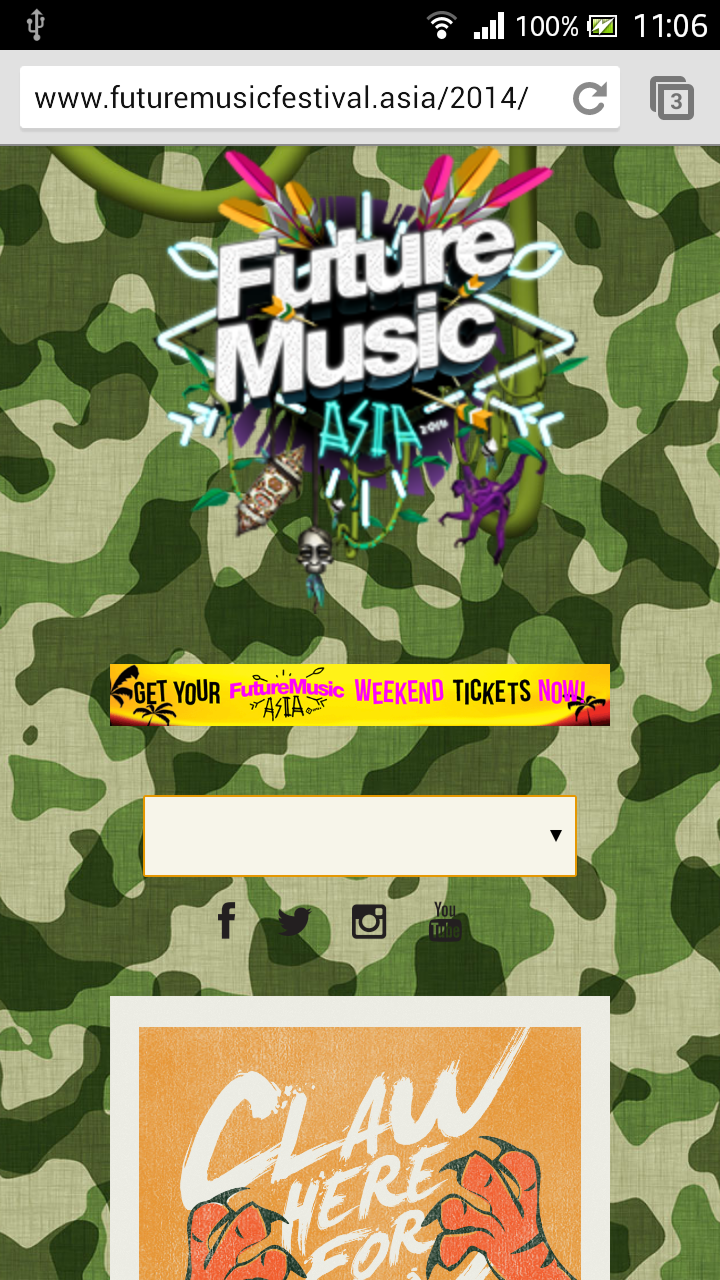
At the moment the website looks like this on my Android Chrome: see screenshot. Could you please clarify where to look for the issue, or send your screenshot if mine does not capture the problem. Thank you!
Sincerely,
Andrii / Satori StudiosatoriKeymasterHey Theweblady,
first of all, thank you for the purchase!
Glad to hear that you’ve managed to resolve the situation :) should you have other questions about the theme, do not hesitate to contact me!
By the way, I would recommend cropping the images used for the slider to 950×330 px, otherwise they will look distorted as currently is the case.
Sincerely,
Andrii / Satori StudiosatoriKeymasterGlad to hear!
Should you face any other issue or have questions about the theme, do not hesitate to contact me.
Sincerely,
Andrii / Satori StudiosatoriKeymasterAlright :)
Should you have other questions, do not hesitate to contact me!
Sincerely,
Andrii / Satori StudiosatoriKeymasterHey KF,
I will go over your questions in the same order:
1). The “See the demo” button is generated using a [BUTTON] shortcode; the full code from the demo is as follows:
[button link="https://satoristudio.net/kanso-multipage/" size="8" color="#ffffff" style="1" dark="0" radius="0" target="blank"]See the demo ›[/button]
2). The top social icons can be configured in the “Header Social Icons” tab of the Theme Options panel ;)
Sincerely,
Andrii / Satori StudiosatoriKeymasterHey KF,
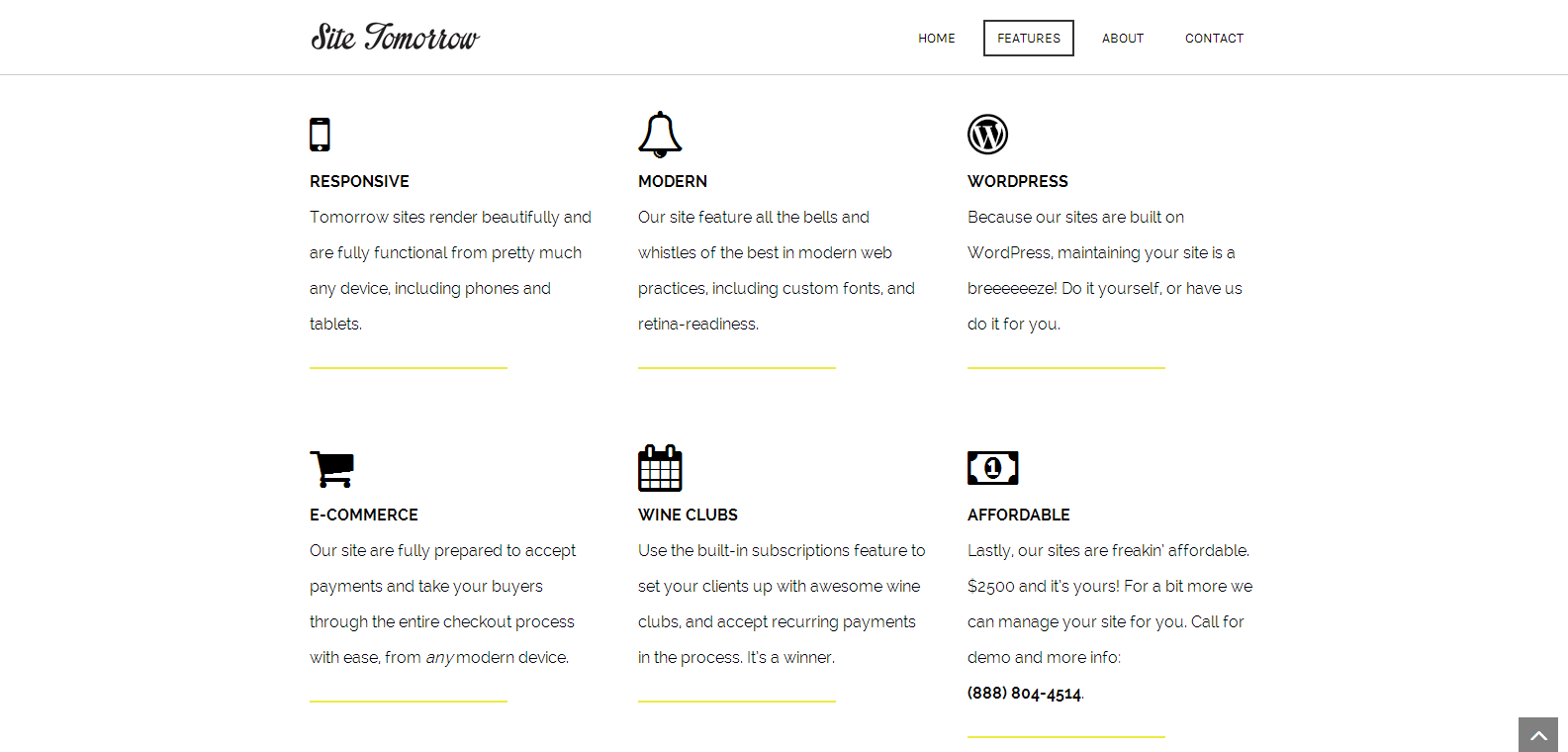
at the moment the “Features” section looks quite fine on my machine (Chrome): see screenshot.
If the problem hasn’t been solved yet, could you please provide back-end access so that I could troubleshoot further. You can send login and password to support@satoristudio.net.Sincerely,
Andrii / Satori Studio -
AuthorPosts