Forum Replies Created
-
AuthorPosts
-
 satoriKeymaster
Hey Kairosdesign,
the nivo slider shortcode has a “size” option which allows customizing the dimensions of the slider: simply add
size=”500×300″
into the shortcode attribute list, i.e.
[nivo_slider size=”500×300″]
changing the figures to any values you need.You can find more about the available attributes for the nivo slider in Appendix 2 of the theme manual (look for the “nivo_slider” shortcode description.
Please let me know if this information was helpful in your case!
Sincerely,
Andrew / Satori StudiosatoriKeymasterHey Jdudeo,
the “gallery” shortcode is designed to insert a gallery into a post, page, or project, which will look and function similarly to the native WordPress gallery but has more customization options. The “gallery” project format can only use images at the moment – but after your comment I thought that there’s indeed no reason why it shouldn’t display text as well, so I’ve prepared an update: please download this archive, unzip it, and upload the contained files into the theme folder (/wp-content/themes/Ikebana).
I will include this feature into the upcoming theme update as well (version 1.4), thank you for pointing this out!
Please let me know if this works for you!
Sincerely,
Andrew / Satori StudiosatoriKeymasterDear Leslye,
I’m glad you’ve resolved the issue, and my apologies for the delay in my reply!
In case of other problems, do not hesitate to contact me.Sincerely,
Andrew / Satori StudiosatoriKeymasterGreat! :)
Should you have other questions, do not hesitate to contact me.
Best,
Andrew / Satori StudiosatoriKeymasterHey Skigordon,
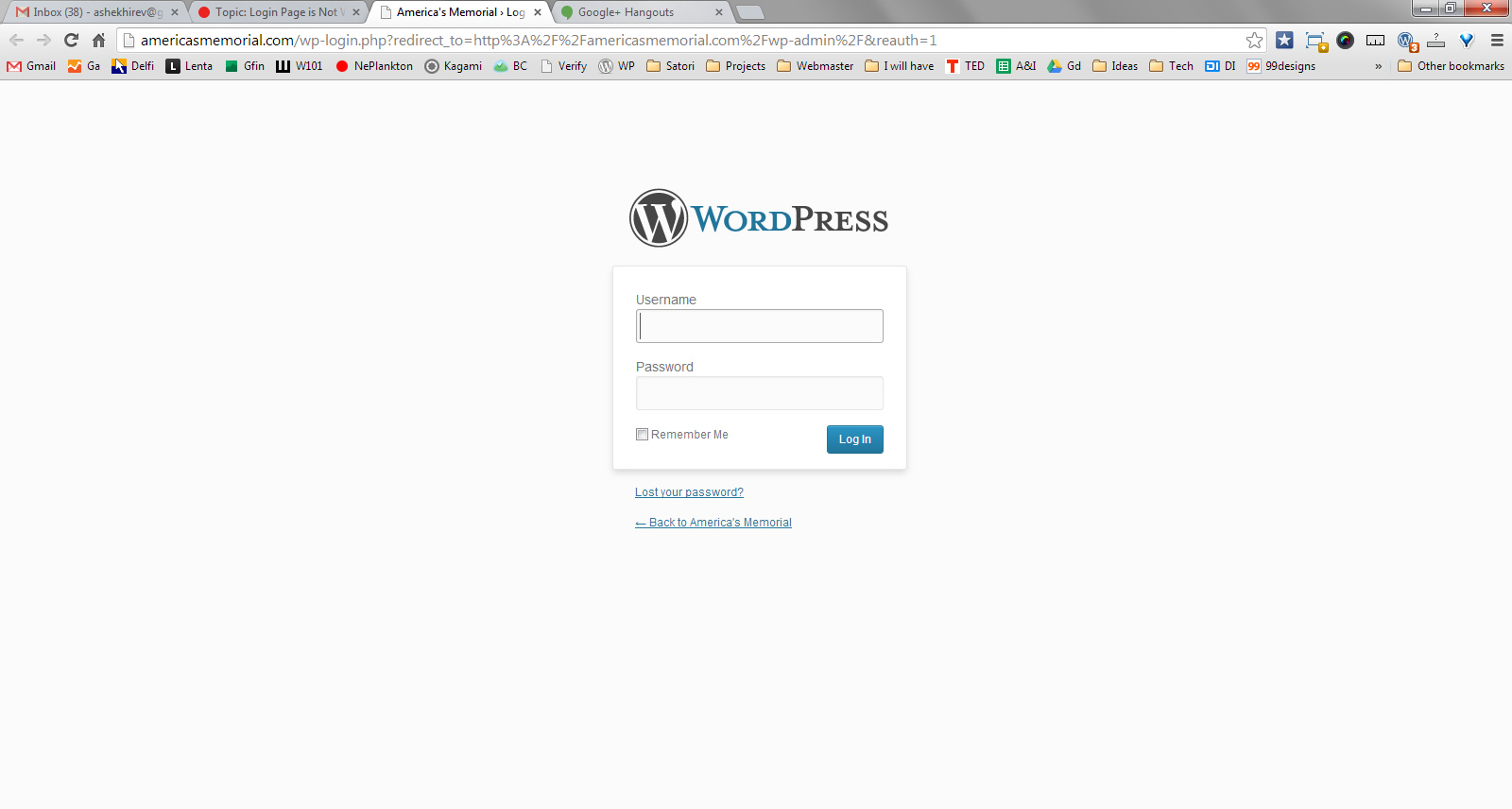
this is what I get when I visit the URL you’ve provided. It’s a WordPress login screen, so I assume you’ve managed to eliminate the problem? The login page is not theme-specific, but do let me know if the problem persists.
Sincerely,
Andrew / Satori StudiosatoriKeymasterHey Leslye,
I will go over the issues in the same order:
1). The in-text heading font color should be changed in the “Body subheading text color” field on the “Style: Content, Widgets” tab of the Theme Options panel, yet I’ve double-checked it and there seems to be a bug with this option. I’ve uploaded the fix here – please download the file, unzip it, and upload into the theme folder (/wp-content/themes/Ikebana) via ftp. My apologies for this one, and thank you for pointing it out! I will also include the fix in the upcoming theme update.
2). Icon menu position is not adjustable via the admin back-end, for the sake of preserving the layout and visual style of the theme. However, it can be done by adding custom CSS (into the textarea in the “Style: Add Custom CSS” tab of the Theme Options panel):
body #iconmenu { margin-left: -74px !important; }
The “-74” is the default position; any number smaller than that (e.g. -90) will move the menu to the left.3). The content of the text widget is determined by what you insert into it – the WordPress’ built-in text widget is not a part of any particular theme, so you’ll need to use in-text styling there; you can simply create the content you need in a new post editor, then switch to the “Text” mode via the tab on the top right of the editing area, copy the code, and paste it into the text widget.
Should you have more questions, do not hesitate to ask!
Sincerely,
Andrew / Satori StudiosatoriKeymasterHey Mahen,
that’s because you only mentioned the blog posts page and thus my customization was intended only for that template. To make the single posts also stretch to full width of the content, please add some more CSS:
.single-post #main #content { width: auto; }
and upload the contents of this archive into your theme folder.Let me know if this achieves your desired effect!
Sincerely,
Andrew / Satori StudiosatoriKeymasterHey Leslye,
you can either upload the image into your hosting or any free image hosting and paste a direct link URL here, or you can send the image to my email: support@satoristudio.net.
Best,
Andrew / Satori StudiosatoriKeymasterHey Jdudeo,
please excuse me if this part was confusing in the manual – the blog posts page in WordPress is set via the “Settings -> Reading” admin menu, the second half of the “Front page displays” option; the “404” page is a separate template which is used automatically for any URL that does not exist on the website, i.e. an error page. You can type anything after your website’s home URL and visit that address to see the “404” page ;)
I will rewrite and expand this place in the theme manual, thank you for pointing this out!
Sincerely,
Andrew / Satori StudiosatoriKeymasterHey Jdudeo,
it was supposed to be sent. I will contact ThemeForest admins and find out if it was a glitch or it was me who did something incorrectly. My apologies for any inconveniences!
Sincerely,
Andrew / Satori Studio -
AuthorPosts